Selling on Flipkart comes down to three stages: register, list your products, and fulfil orders.
1. Get your basics ready
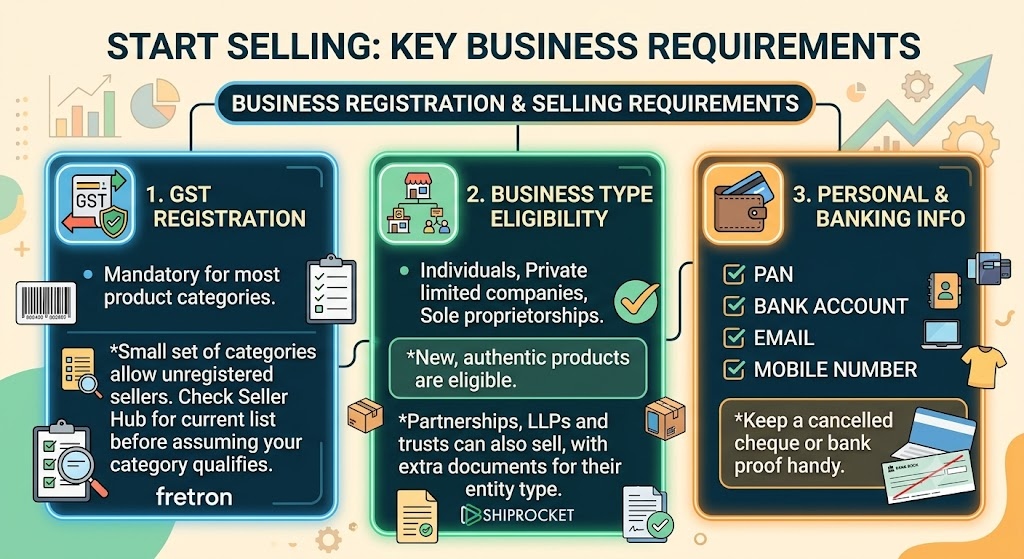
- GST registration: GST is mandatory for most product categories, though a small set of categories allow unregistered sellers. Check Seller Hub for the current list before assuming your category qualifies. fretron
- PAN, bank account, email and mobile number. Keep a cancelled cheque or bank proof handy.
- Business type: individuals, private limited companies and sole proprietorships selling new, authentic products are eligible. Partnerships, LLPs and trusts can also sell, with extra documents for their entity type. shiprocket
2. Register
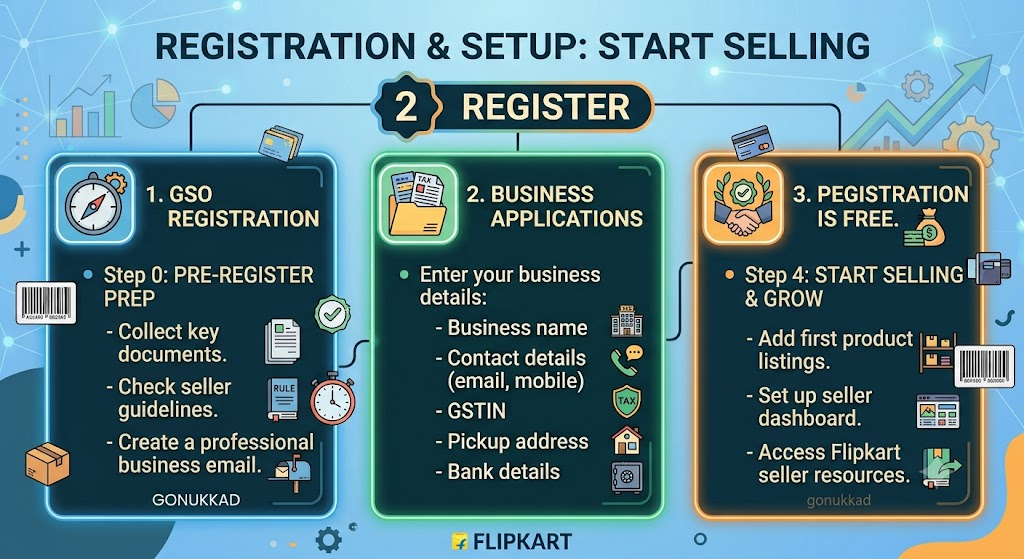
- Go to seller.flipkart.com and click Start Selling. The online registration takes under 15 minutes, with verification taking 3 to 7 business days. gonukkad
- Enter your business name, contact details, GSTIN, pickup address and bank details.
- Registration is free, with no setup fee or fixed monthly subscription. gonukkad
3. List your products
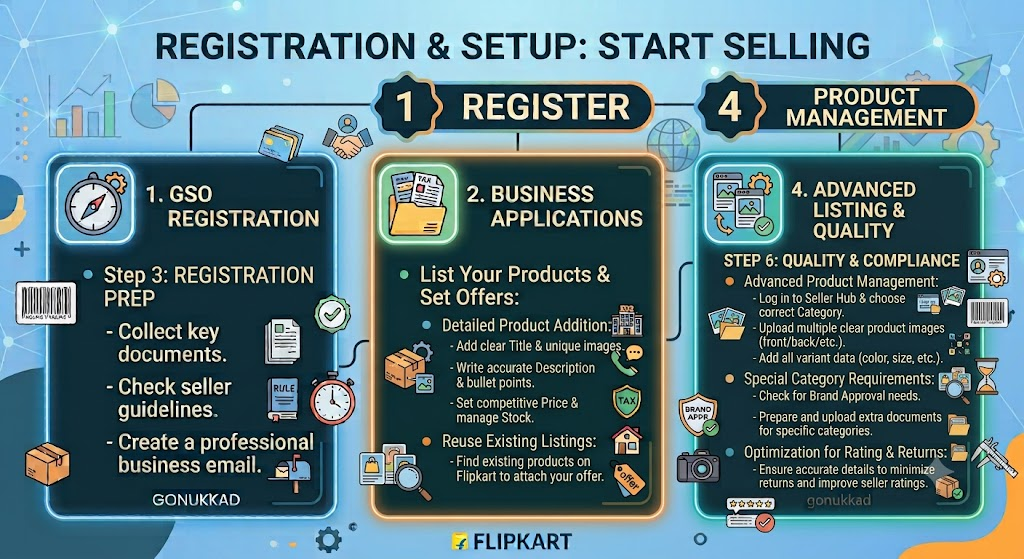
- Log in to Seller Hub, choose your category, and add each product with a title, images, description, price, and stock.
- If the product already exists on Flipkart, you can often attach your offer to that listing instead of creating a new one.
- Some categories need brand approval or extra documents. Use clear photos and accurate details, since they affect returns and ratings.
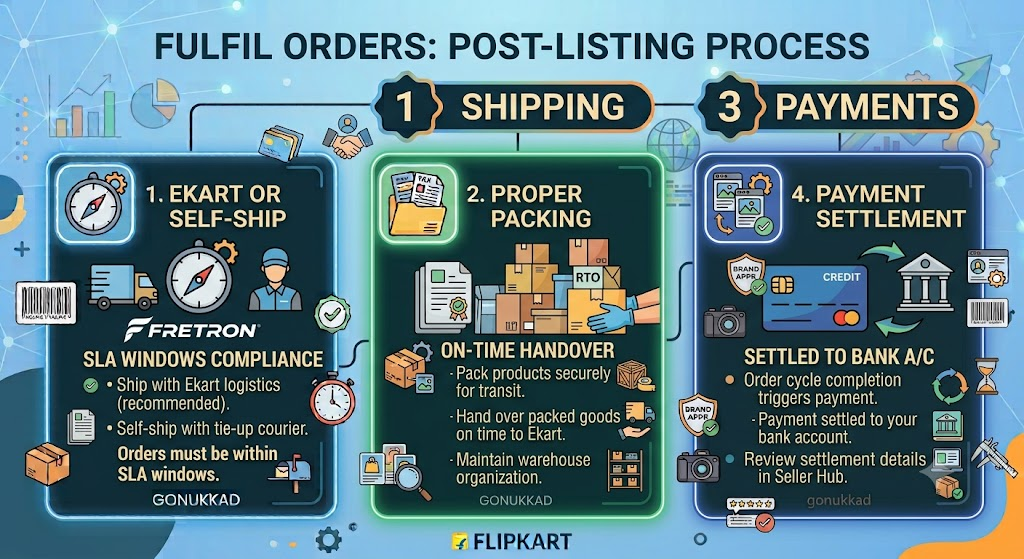
4. Fulfil orders
- You can ship with Flipkart’s Ekart logistics or self-ship with your own courier tie-ups. Orders must be fulfilled within Flipkart’s SLA windows. fretron
- Pack properly, hand over on time, and handle returns (RTO) promptly.
- Payments are settled to your bank account after the order cycle completes.
5. Understand the costs
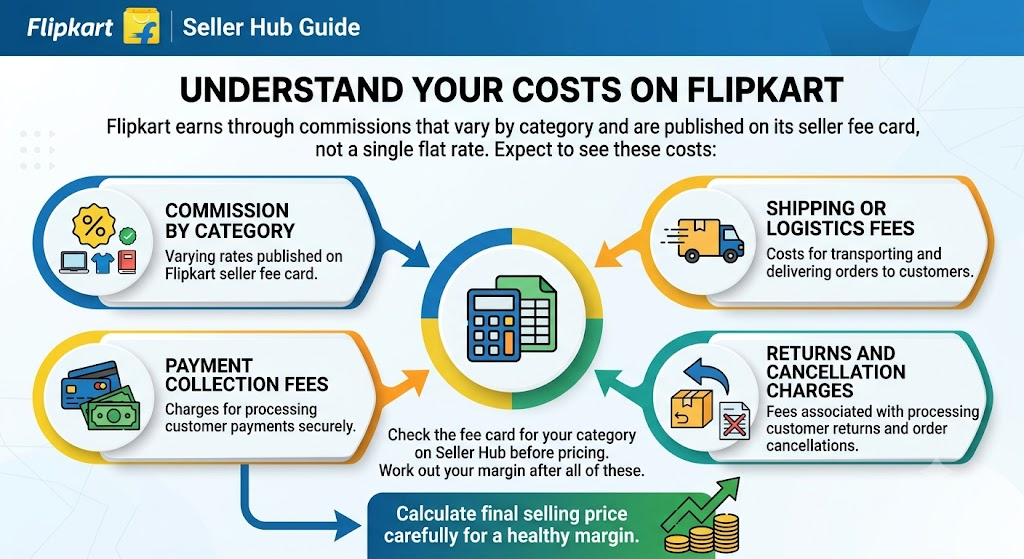
Flipkart earns through commissions that vary by category and are published on its seller fee card, not a single flat rate. Expect to see these costs: fretron
- Commission by category
- Shipping or logistics fees
- Payment collection fees
- Returns and cancellation charges
Check the fee card for your category on Seller Hub before pricing. Work out your margin after all of these.
6. Grow your sales
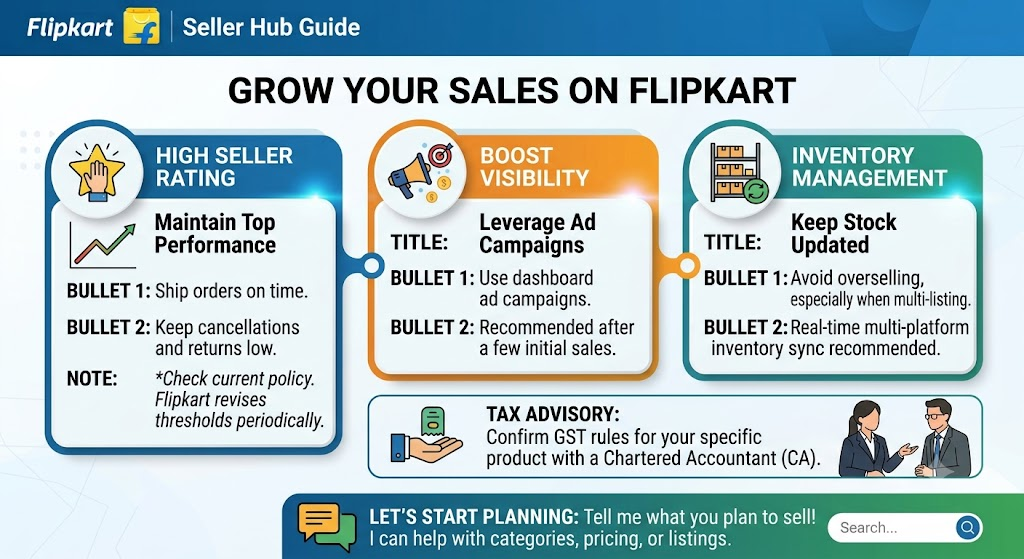
- Keep your seller rating high by shipping on time and keeping cancellations and returns low. Flipkart revises its penalty thresholds periodically, so check Seller Hub’s current policy. fretron
- Use Flipkart’s ad campaigns from the dashboard once you have a few sales.
- Keep stock updated so you don’t oversell, especially if you list on other platforms too.